Cleaning the laptop
Author: EkoBIT team
Restoring the old shine, removing dust in the internal parts. All of this can be handled relatively easily if you clean your laptop. Here at EkoBIT, we know how to do it, and thanks to these tips you can enable your pet to function even better and for longer. Cleaning electronics must follow only a few important rules.
To clean your laptop, you will need basic dishwashing detergent, a few cloths, distilled water and white wine vinegar. But a can of compressed air can also come in handy, which we have inEkoBIT we also use in such activities.
Before you start washing, turn off the laptop properly and disconnect the power adapter. You should also remove the battery. Then proceed with cleaning the chassis of your laptop. Warm water will be enough for you, in which do not forget to add one or two drops of dishwashing detergent. Afterwards, wipe the top and bottom cover of your device with a damp cloth. However, pay close attention to the cooling holes.
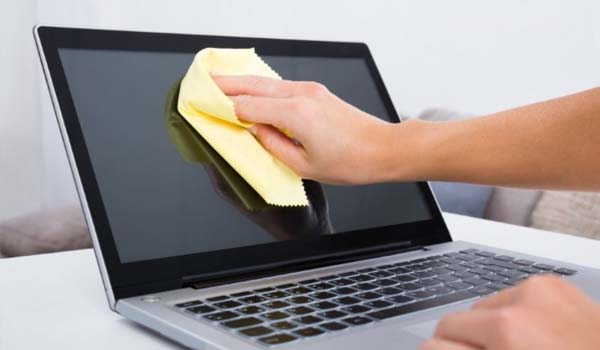
An ecological and gentle cleaner is definitely suitable for polishing the screen, and that is a special solution of white wine vinegar and distilled water, in a ratio of one to one. Wipe the screen with a damp cloth and then dry it with another dry cloth. Also, don't forget to make sure that there is no moisture left on the screen afterwards. This could damage your laptop.
If you also have a can of compressed air with you, you can start cleaning the keyboard and removing dust from the fan. However, blowing with compressed air is not recommended for everyone, and that is why it is advisable to invite experts, such as us, the EkoBIT company, to this activity. We also visit this area on regular basis office cleaning we specialize.